Template 8: Multi-Section Page Layout in DFM2HTML
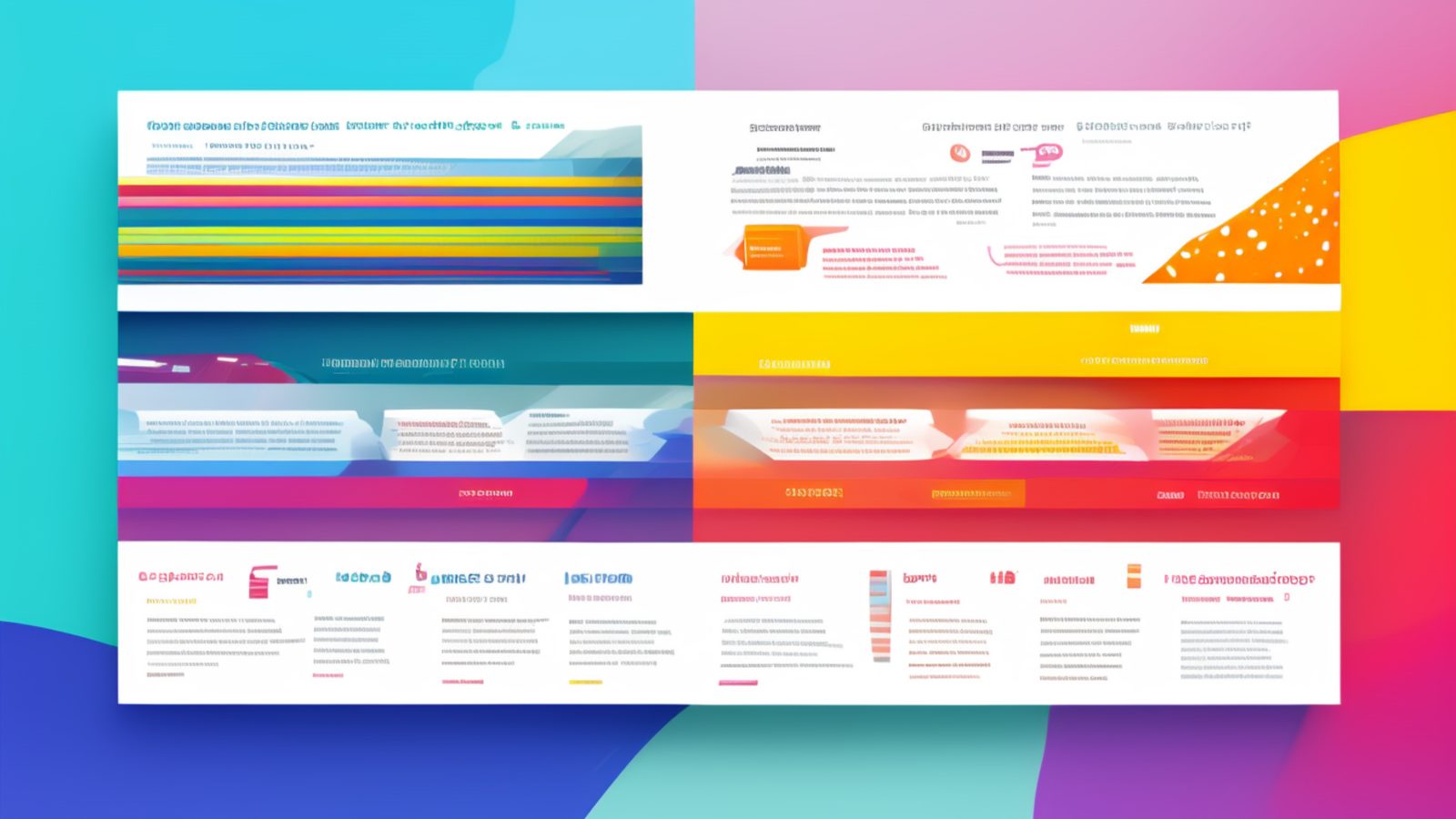
Template 8 is the most structurally complex layout in the core DFM2HTML template library. Where the other templates establish one or two primary content regions, Template 8 defines distinct zones stacked vertically through the page: a site header, a hero or feature section, one or more content bands, and a footer. Each zone is visually and structurally separated from the others. The result is a page that reads in segments rather than as a continuous flow, which suits a specific category of site and content type.
Template Concept
Multi-section layouts are suited to pages where the content naturally divides into chapters, each with its own visual weight and purpose. A portfolio home page might have a hero zone with the practitioner's name and specialty, a work samples zone showing thumbnail grids, a brief about zone, and a contact zone at the bottom. A small agency home page might follow the same pattern with different content in each zone. In both cases, the page is not one long article; it is four or five distinct statements presented in sequence.
Template 8 supports this structure by giving each zone its own editing region with defined boundaries. You fill each region with its content type: a full-width image in the hero zone, a grid of images in the samples zone, a short paragraph in the about zone. The template handles the spacing and visual separation between zones so each section reads as complete in itself while still contributing to a unified page.
This approach makes Template 8 the natural choice for home pages of sites that use other templates for interior pages. A site where individual service pages use Template 5 and documentation pages use Template 2 can use Template 8 for the home page because the home page has a different structural job: introducing the site rather than explaining a specific topic.
Layout Anatomy
Template 8 is organized as a vertical stack of full-width bands. Each band spans the usable page width and contains one or more content columns within it.
The header band is the topmost element. It contains the site name or logo, the primary navigation, and any utility elements such as a search field or a login link. The header band in Template 8 is wider and more prominent than the headers in other templates because the page's visual identity is established here before anything else is seen.
The hero band sits immediately below the header. This is the page's largest single visual element. In Template 8, the hero is designed to hold a full-width image with an overlaid text block, or a large background color band with a centered headline and subheading. The hero band communicates the page's core message in one glance. Visitors who decide within the first seconds whether to stay or leave base that decision largely on what they see in this zone.
Below the hero, Template 8 provides two or three content bands. Each band can hold a different layout internally: one band might use a two-column arrangement for text and image pairs, another might hold a three-column grid for thumbnails or feature blocks, and another might hold a single centered text block for a brief statement or testimonial. The internal column count in each band is set when you edit the band's content in DFM2HTML.
The footer band closes the page. In Template 8, the footer is a full-width band that can hold multiple footer columns: site navigation links, contact information, social media references, and a copyright line. The multi-column footer matches the visual weight of the rest of the page and gives the page a finished, complete feeling rather than an abrupt ending.
Where Template 8 Works Well
Portfolio sites are the strongest use case for Template 8. A designer, photographer, developer, or other practitioner presenting their work needs a page that leads with impact, shows work in a visual grid, and provides enough context for a visitor to decide whether to make contact. Template 8's hero plus content bands plus footer structure handles this pattern directly.
Image-heavy sites benefit from the grid-capable content bands. A photography archive, a product showcase, or an event gallery can use a content band structured as a three or four column grid of thumbnail images. Each thumbnail links to a detail page, which might use Template 1 or Template 5 for its individual content. The grid structure in Template 8 is manageable in DFM2HTML because you add image cells to the band's internal table or flex container and the template handles alignment.
Home pages for small to medium business sites work well here when the business wants to present multiple points at once: what they do, why choose them, what their work looks like, and how to get in touch. Template 8 can hold all four of these as separate content bands without any one competing visually with the others.
Event sites and conference pages often fit the multi-section structure: an event header with the name and date, a speakers or agenda section, a venue section, and a registration section. Each of these is a distinct piece of information that benefits from its own visual zone.
Navigation Pattern
Template 8 uses a full-width horizontal navigation bar in the header band. Because Template 8 is often used for home pages or major section landing pages, the navigation here tends to be the primary site navigation, carrying all top-level section links. Sub-navigation for sections within the page is handled through the section structure itself rather than a second nav bar.
Within the page, each content band can include its own anchor target so that links from the navigation or from other pages can jump directly to a specific section. Adding an id attribute to the top element of each band in the DFM2HTML editor enables this anchored navigation. This is useful for home pages where the navigation bar includes links like "Services", "Portfolio", and "Contact" that scroll the visitor to the corresponding band on the same page.
For sites using Template 8 on the home page alongside Template 2 on interior pages, a consistent header component makes the transition between pages feel coherent. DFM2HTML allows you to copy a header block from one template file and paste it into another, keeping the navigation structure identical across both layout types.
Responsive Concerns
Template 8 has the most responsive concerns of any template in the library because it has the most structural complexity. Each content band may need different reflow behavior depending on its internal column count.
The hero band is the most important element to test on small screens. A full-width hero image with overlaid text that looks strong at desktop width may have text that becomes too small to read, or an image crop that loses its focal point, at mobile width. Test the hero at both phone and tablet sizes. Adjust the text size and check that the focal point of the image is preserved at the narrowed viewport. If the overlay text becomes illegible at mobile, consider placing the text below the image rather than over it on small screens.
Content bands with two or three columns need to restack on small screens. A two-column band where each column holds 50% of the width works fine at desktop; at mobile, each column needs to take 100% of the width and stack vertically. Template 8's table-based column structure requires a media query that switches columns from their default width to 100% at the appropriate breakpoint. Add this through the editor's custom CSS panel.
Image grids inside content bands are particularly worth reviewing on mobile. A four-column thumbnail grid at desktop becomes four tiny images in a row at mobile, which is typically too small to be useful. A media query that changes the grid to two columns at tablet width and one column at phone width produces a much better result. The exact breakpoints depend on your image sizes and how you intend the grid to be used.
The multi-column footer on small screens should restack to a single column to prevent footer text from becoming unreadably narrow. Footer content is less visually critical than the hero or content bands, but a broken footer layout still creates a poor final impression.
Related Templates
For interior pages on sites where Template 8 handles the home page, Template 2 provides a two-column layout with sidebar that gives section pages their own navigation structure without requiring the full multi-band complexity of Template 8.
For focused service or product pages that serve as destinations from Template 8's content bands, Template 5 provides a compact, directed content zone that matches the intentional character of a brochure page rather than the expansive multi-section structure of Template 8 itself.